
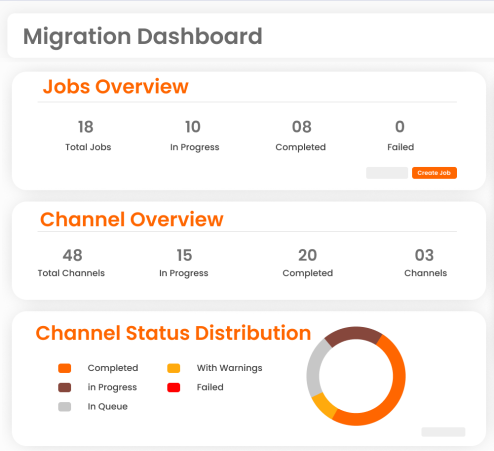
ZuniPixel is a purpose-built Slack to Microsoft Teams migration platform designed for IT teams and MSPs managing enterprise migrations. It combines pre-migration discovery, automated user and channel mapping, full-fidelity data transfer, and delta sync — ensuring accurate migration with zero disruption to collaboration. Gain complete visibility, validation, and control throughout your migration process.
ZuniPixel ensures complete, high-fidelity migration of your Slack environment to Microsoft Teams — preserving structure, context, and access so teams can continue working without disruption.
Migrate both public and private Slack channels to Microsoft Teams while preserving the full conversation history, structure, and metadata — ensuring teams continue exactly where they left off.
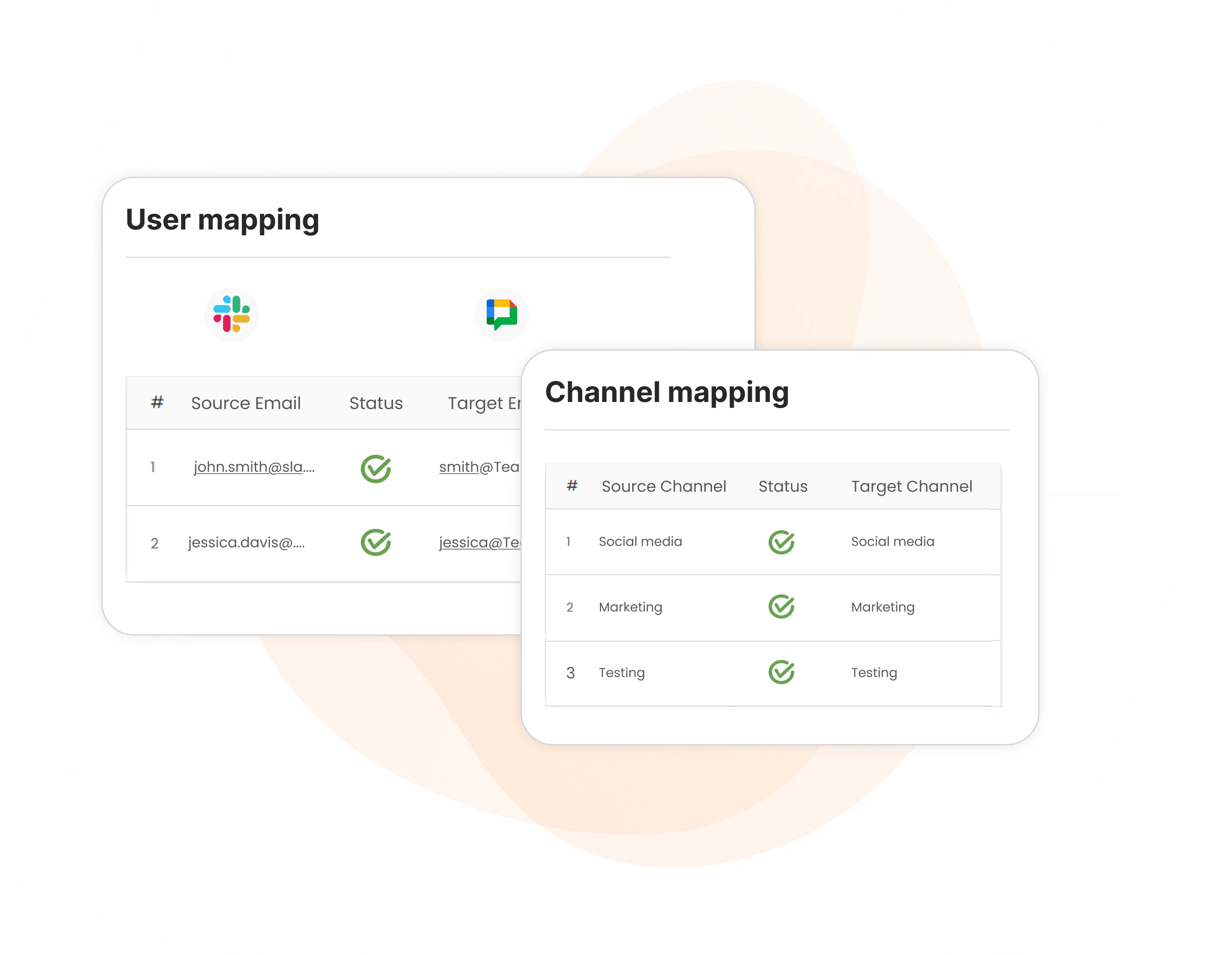
Automatically map Slack users to Microsoft Teams users accurately, ensuring channel ownership, members and participation are aligned with Microsoft Team’s permission model.
Migrate one-to-one and group direct messages from Slack to Teams while preserving message context, attachments, and rich metadata for uninterrupted collaboration history.
Transfer files, images, documents, conversations shared in Slack channels to Microsoft Teams and maintaining their association with the original messages — even for large attachments.
Preserve essential Slack message metadata including threads, replies, reactions, mentions, pinned messages, timestamps, and full message history so Microsoft Teams mirrors Slack with precision.
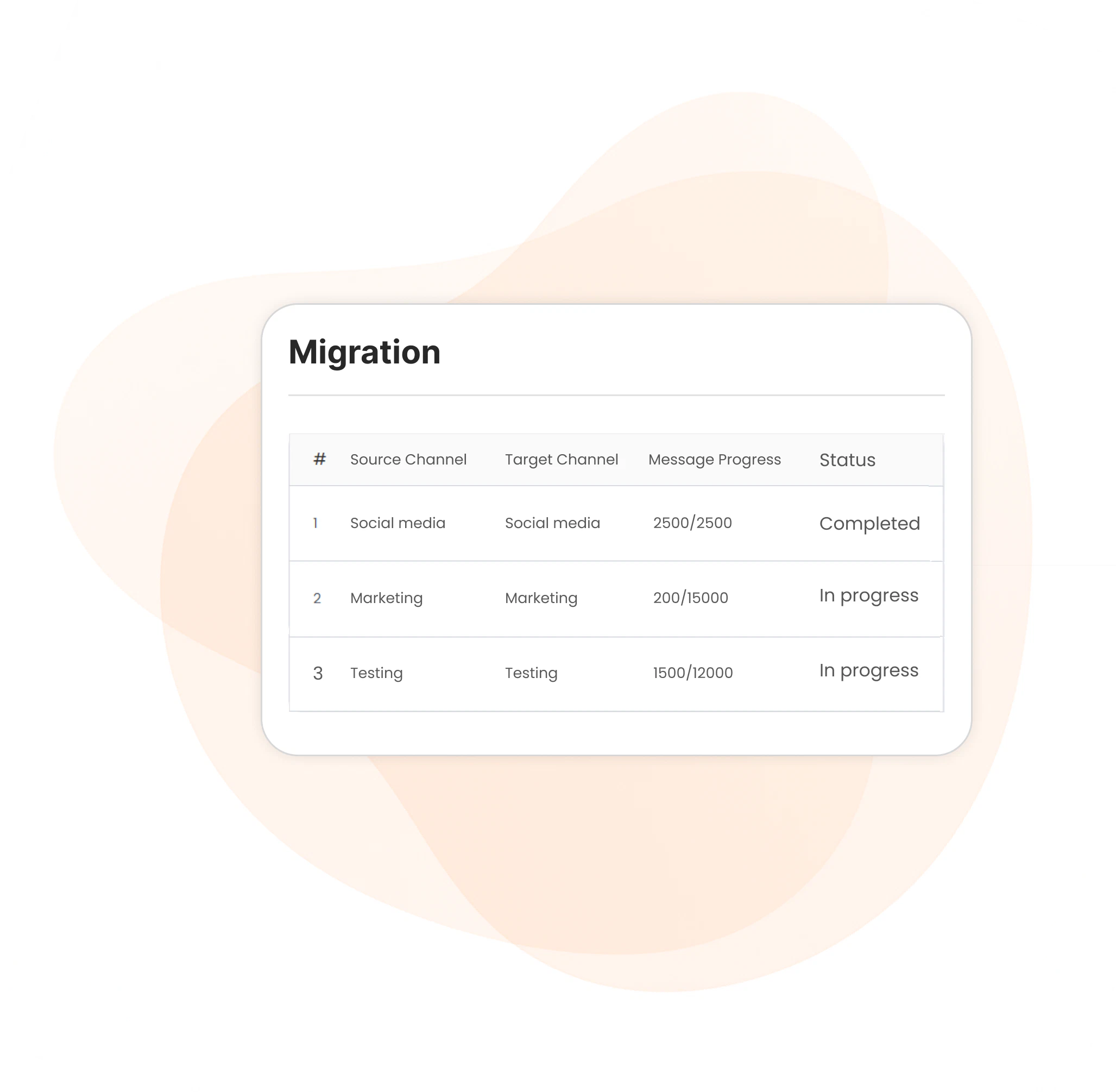
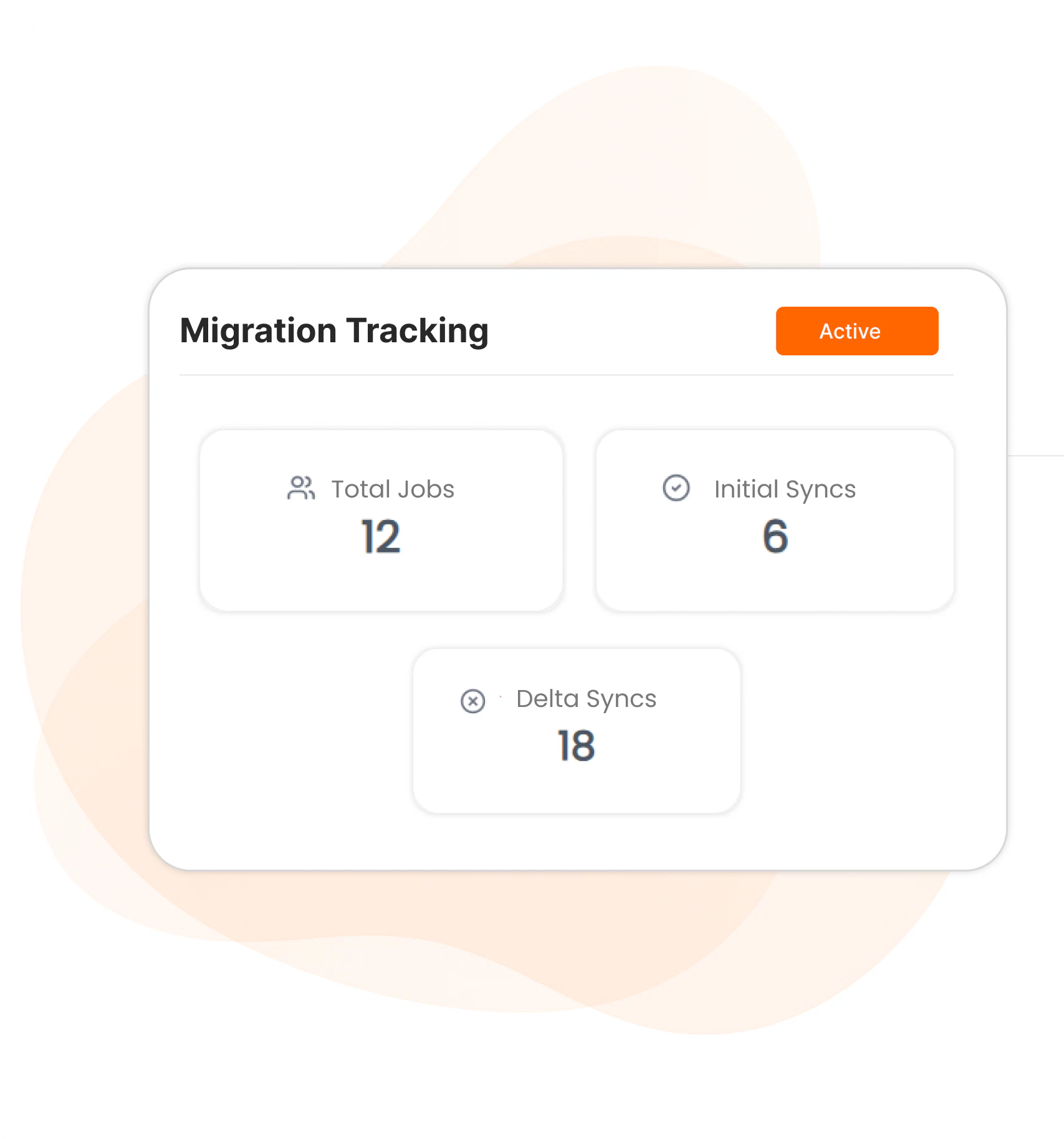
Gain real-time visibility into your Slack to Teams migration with detailed job-level tracking, channel-level tracking , and export-ready reports for audit and compliance needs.
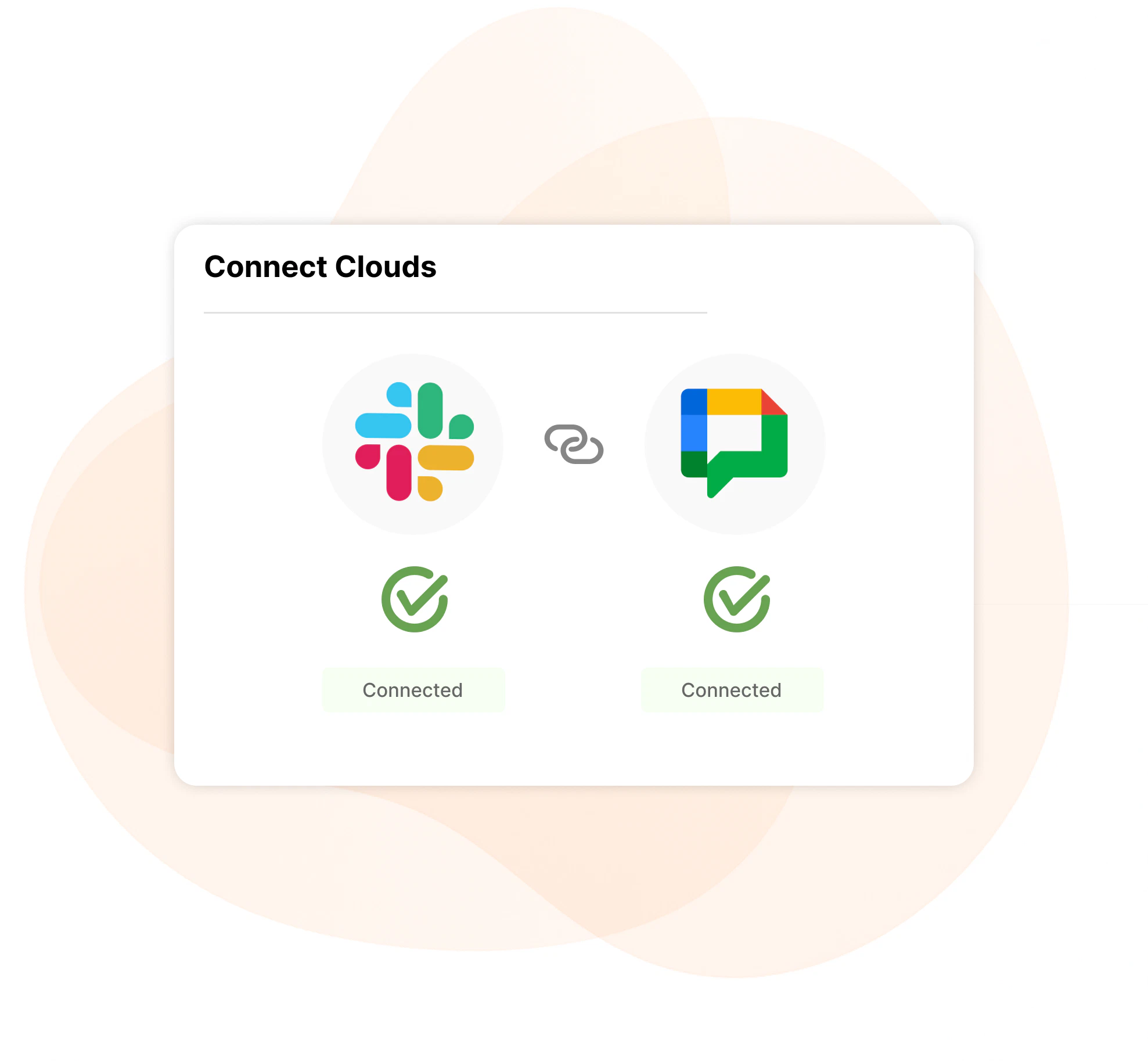
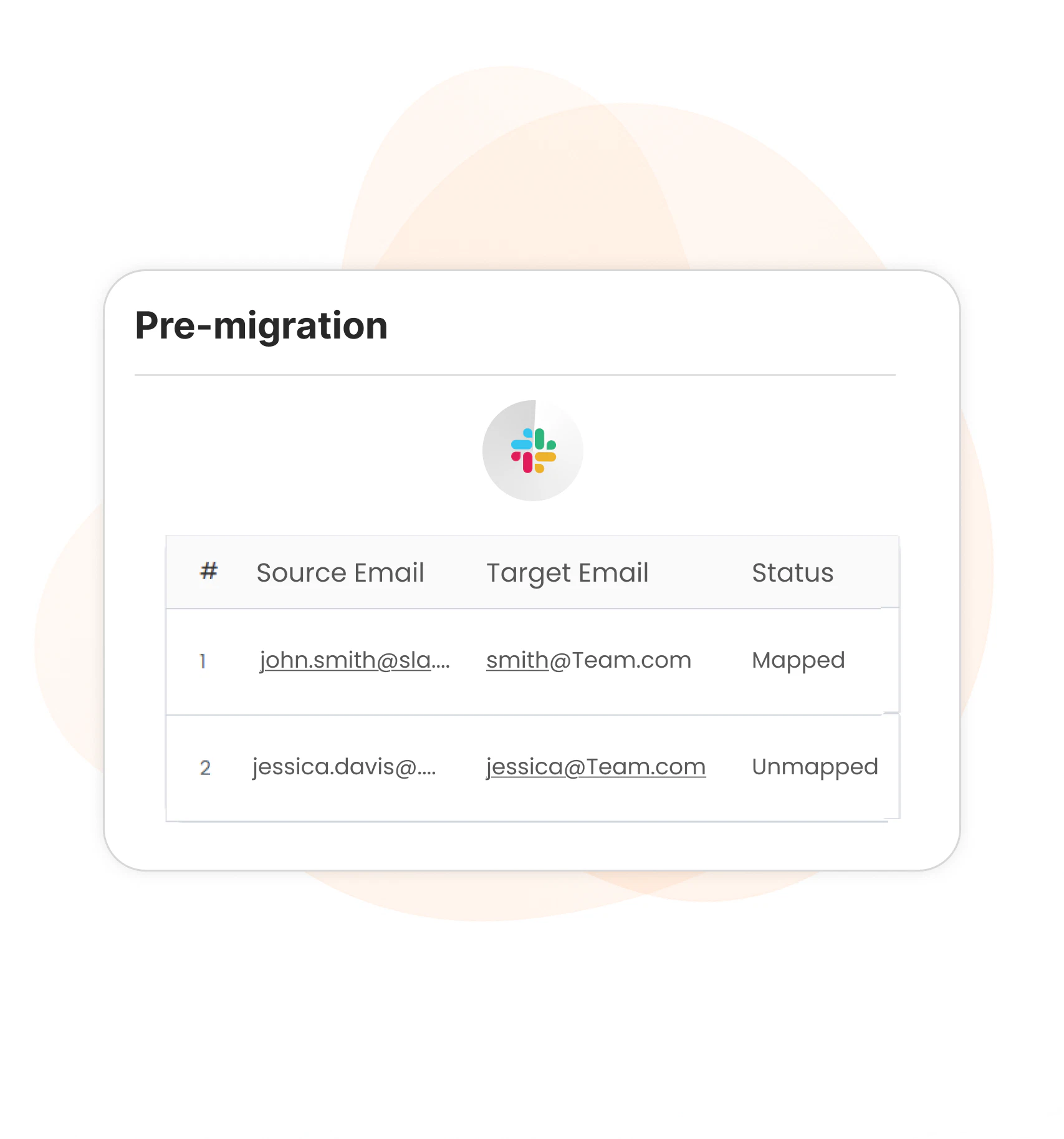
ZuniPixel follows a secure, step-by-step migration workflow designed to minimize risk, preserve data integrity, and provide complete visibility throughout the Slack to Microsoft Teams migration process.
ZuniPixel is built for teams that need accuracy, control, and predictability when migrating collaboration data — not just a one-time data transfer.
Enterprise-Ready
Handles complex Slack environments without disruption.
Rate Control
Adaptive API handling prevents throttling and failures.
Accurate Mapping
Permissions aligned with Microsoft Teams.
Unified Dashboard
Real-time tracking across jobs and delta runs.
Delta Sync
Zero-disruption incremental migrations.
Flexible service
Self-service or expert-managed migration.
ZuniPixel is designed with security, data protection, and compliance at the core — ensuring Slack to Microsoft Teams migration is performed safely, transparently, and without unnecessary risk.
All migration data is transferred over encrypted channels. Customer environments are logically isolated, and access controls are enforced to prevent cross-tenant exposure.
Every migration job is tracked with detailed logs, status updates, and validation summaries. Export-ready reports provide clear evidence of completion and support IT, security, and compliance reviews.
ZuniPixel’s security model aligns with enterprise IT and MSP operational requirements, enabling organizations to migrate collaboration data confidently while meeting internal governance and compliance expectations.
Yes. ZuniPixel supports migration of both public and private Slack channels. Channel structure, message history, and access context are preserved and aligned with Microsoft Teams’ permission model.
Yes. ZuniPixel can migrate one-to-one and group direct messages from Slack to Microsoft Teams while preserving message order, attachments, and conversation context.
Yes. Slack remains fully active during migration. ZuniPixel uses read-only, rate-limited access to Slack and supports delta migrations to capture new messages and files created during the migration window.
No. ZuniPixel does not permanently store customer message content or files. Data is transferred securely from Slack to Microsoft Teams. Only migration metadata such as job status, progress, and audit logs is retained as operationally required.
Yes. After the initial Slack to Teams migration, ZuniPixel can run controlled delta migrations to sync incremental changes. This ensures Microsoft Teams stays up to date before final cutover.
ZuniPixel maps Slack users to Microsoft Teams users using automated mapping with validation checks. Manual overrides are available to resolve mismatches or handle custom scenarios before migration begins.
ZuniPixel provides real-time migration tracking through the web interface, including job-level and channel-level status, progress indicators, retries, and completion summaries.
Yes. ZuniPixel uses OAuth-based authentication, least-privilege access, encrypted data transfer, and environment isolation to ensure Slack to Teams migration is performed securely and in line with enterprise security expectations.
Your seamless, secure, and stress-free migration starts here.